

[1]How to sign up EasyChair
1. Access to the website, EasyChair ISIPS 2014.
http://www.easychair.org/conferences/?conf=isips2014
2. Click "sign up for an account".
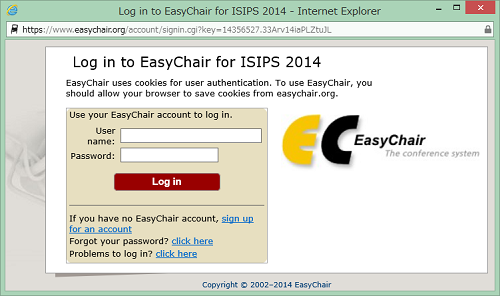
3. Input words or numbers you see in the Step1, and click "Continue".
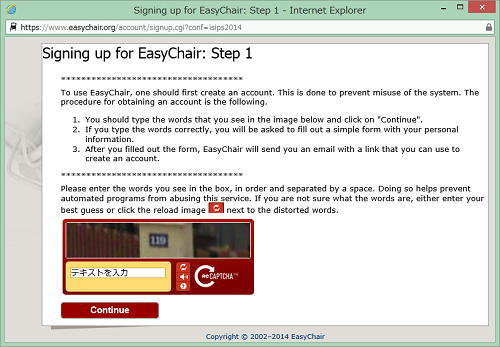
4. Input your first name, last name, and email address, and click "Continue" in the Step2.
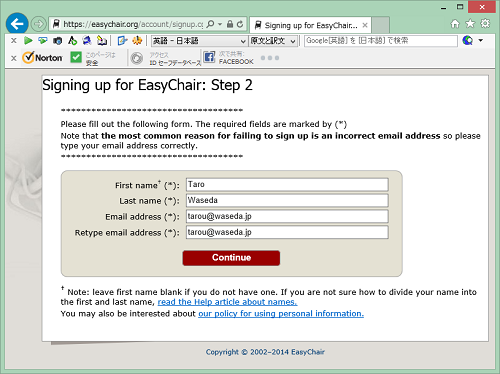
5. It is done with the message, "Account Application Received".
6. The email, "EasyChair account confirmation", is sent to your address which you declare in the Step2. Click the URL in the email.
7. Click "create my account" after you input your user name to login in EasyChair, department which you belong to in your organization, password, and so on. You finish creating your account with the above.
[2] How to submit your abstract
1. Access to the website, EasyChair ISIPS 2014.
http://www.easychair.org/conferences/?conf=isips2014
2. Input your user name and password, and click "Sign in".
3. Click "New Submission" on the top of menu.
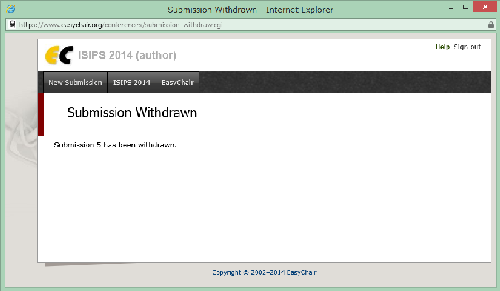
4. Input Address for Correspondence, Authors, Title, Abstract and other Information, Keywords, Topics, and then click "Submit". Uploading your abstract is done with the above. You can change and amend your information until the abstract submission deadline.
[3] How to register for an attendant who does not make a presentation
1. Access to the website, EasyChair ISIPS 2014.
http://www.easychair.org/conferences/?conf=isips2014
2. Input your user name and password, and click "Sign in".
3. Click "New Submission" on the top of menu.
4. Input your address in "Address for Correspondence".
5. Input your name in "Authors for your name", and tick "Corresponding author"
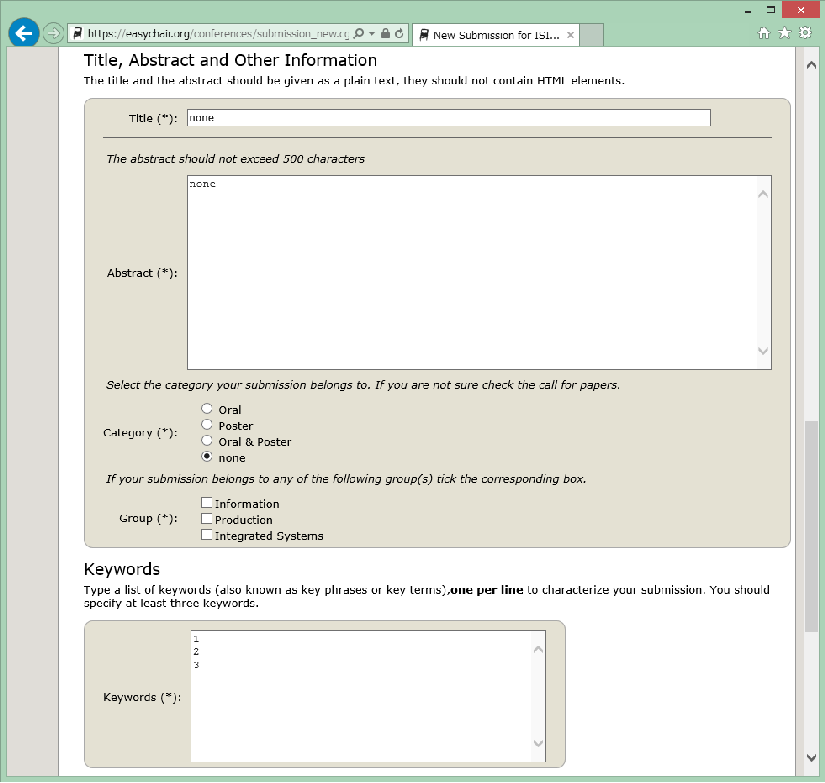
6. See the image below. Input "none" for "Title", "none" for "Abstract", and number "1", "2", "3" on per row for "Keywords". Select "none" for "Category".
7. Click "Submit".

